The automation platform built for the CloviTek AI ecosystem. Chain your tools and 2,000+ external apps into one visual flow, pre-wired, AI-native, and priced by operation.
CloviFlow is the automation backbone of the CloviTek AI ecosystem — a visual, no-code builder that chains your CloviTek AI plugins to each other and to thousands of external services with trigger-based workflows. Route leads the moment they land, re-optimize content when rankings slip, auto-transcribe uploads, or batch-generate images in a fully automated pipeline. If it can send a webhook, CloviFlow can act on it.
Most automation tools meter every single step, so a multi-step flow quietly multiplies your bill. CloviFlow charges by the operation: one run of a five-step chain is one operation. Triggers and internal data reads are always free.
The real capability set behind CloviFlow — designed, built, and run by our composed AI team.
Drag-and-drop builder with branching logic. Pick a trigger, drop your actions, connect the dots — a clean flow anyone can read, no code required.
Native integrations with every CloviTek AI platform — CloviLeads, CloviSEO, CloviNarrate and more — connect with no extra setup.
Slack, Gmail, Stripe, CRMs, sheets and thousands more via native connectors and a universal webhook bridge. OAuth is handled for you.
Generate narration, write articles, score SEO or create images. AI plugins are actions inside your flow, not bolt-on extras.
Multi-step if/else, filter, and switch nodes let a single flow branch, gate, and fork based on the data flowing through it.
Time-based automations that run hourly, daily, or weekly — alongside webhook receivers and senders for any REST API.
Retry policies plus Slack and email alerts on failure. Nothing fails silently, and you can re-run any flow.
Inspect every run step by step with full payload visibility, and keep up to 90 days of history.
Roll back to any previous workflow state, and build once to share flows across your whole workspace.
No scripts, no glue code — just a flow you can read.
Different surfaces from the same automation workspace — built, not screenshotted.
status: unscored score: 87 — hot
email: [email protected]
crm: none crm: synced ✓
notified: #sales-alerts
Common roles that put CloviFlow to work — drawn from the automations it already runs.

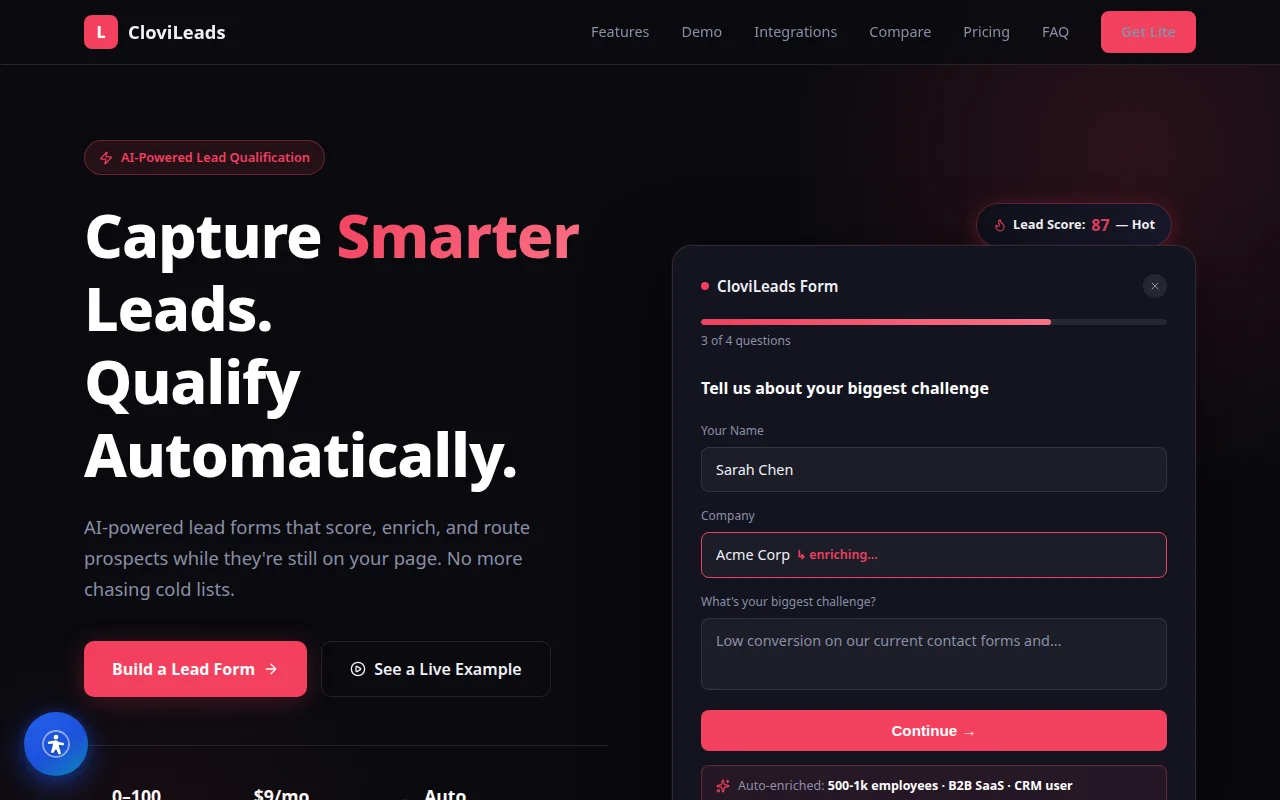
Route and score leads on capture, push them to the CRM, and alert the team — without a developer wiring webhooks by hand.
Lead routing · alerts
Build a publishing pipeline once and reuse it across clients — scans, re-optimization and reporting run on a schedule, hands-free.
Scheduled pipelines
Every new article triggers narration, a featured image and a transcript — the whole publish-day checklist runs itself.
Publish automationsReal flows drawn from the CloviTek AI ecosystem — each one is a few nodes on the canvas.
Capture → score → route the moment a lead converts, straight from CloviLeads into your CRM and Slack.
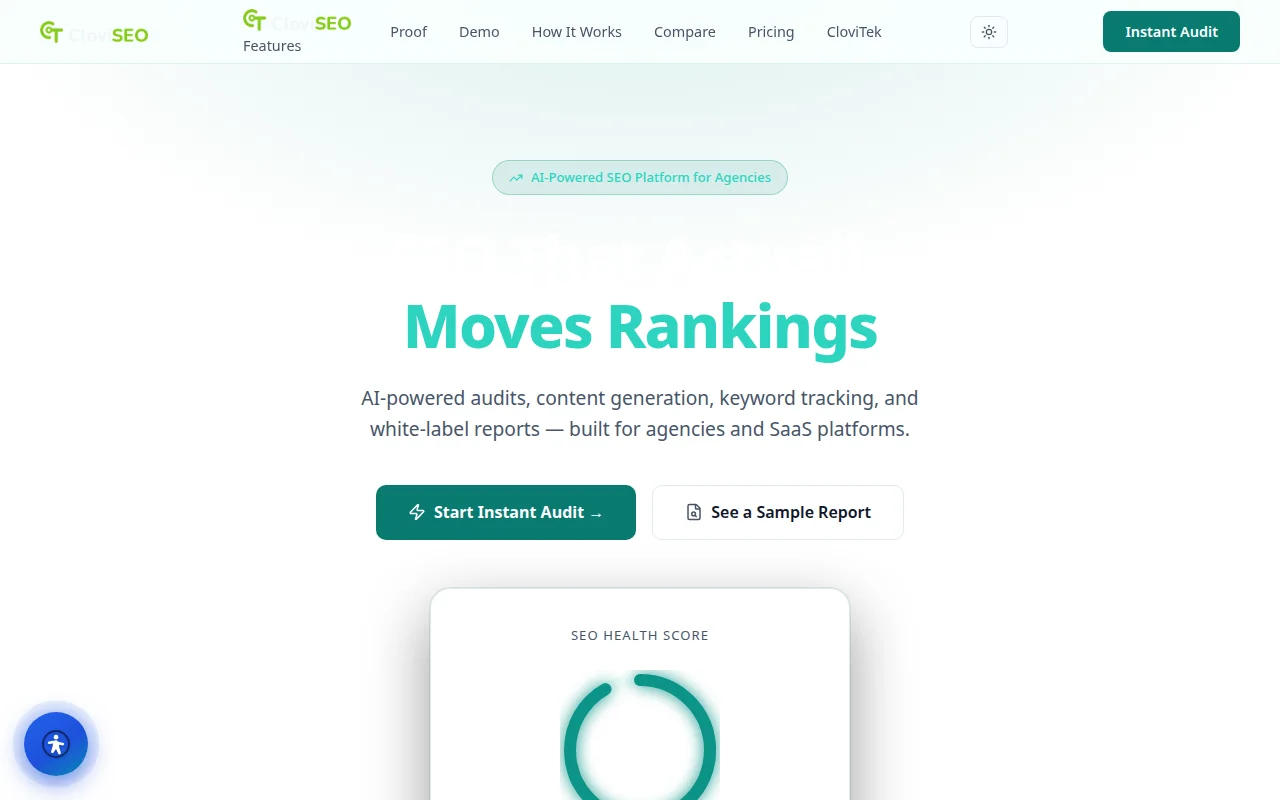
Monitor → trigger → rewrite — CloviSEO detects a ranking slip and CloviFlow kicks off the content refresh.
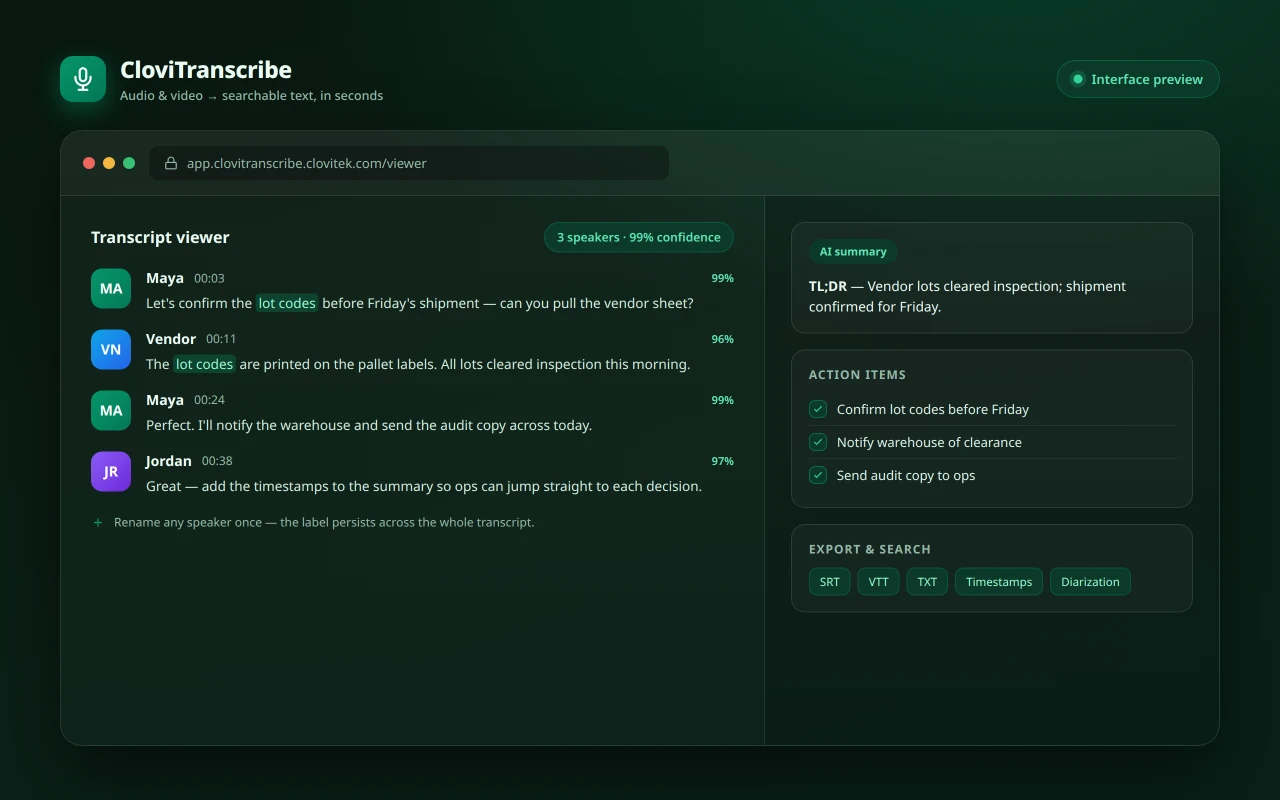
Record → transcribe → summarize — CloviTranscribe processes each recording the instant it finishes uploading.
Article → image → publish — CloviImage creates the hero art the moment a post goes live.
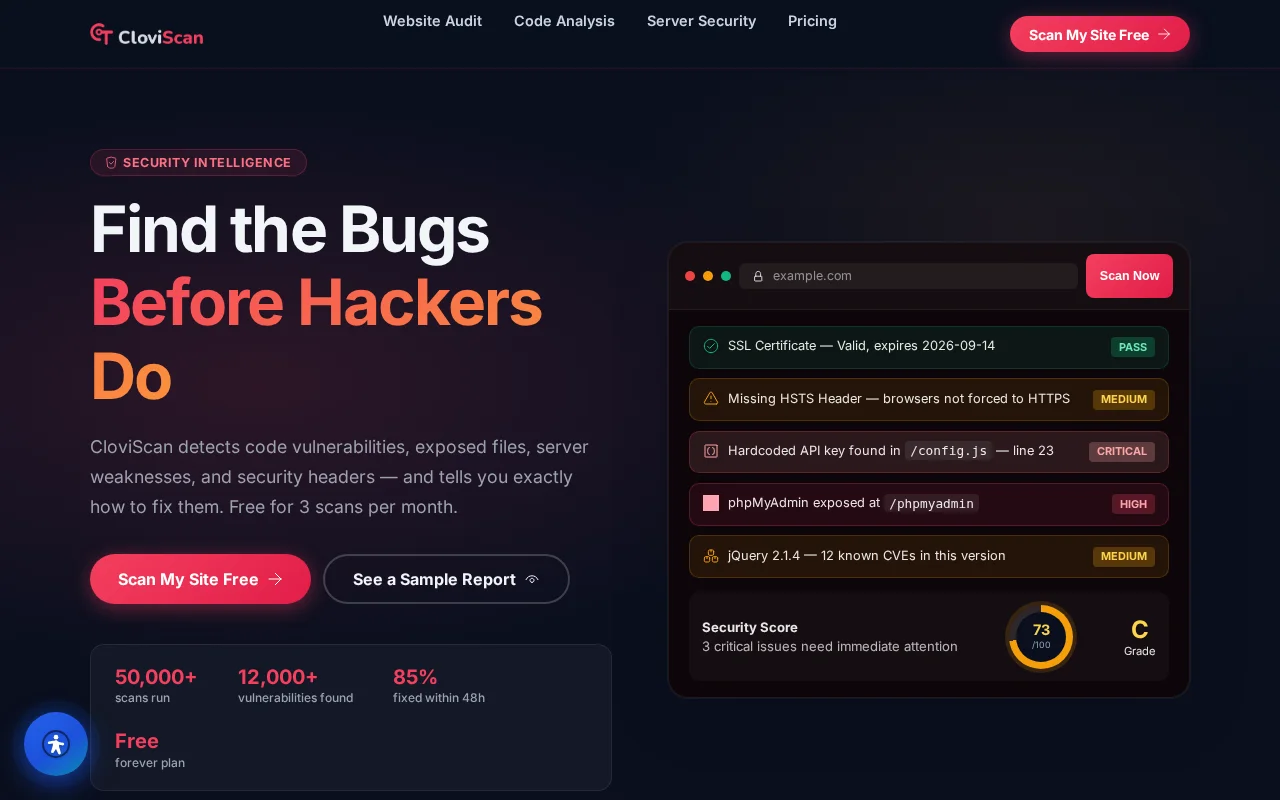
Schedule → scan → alert — CloviScan runs on a cron and pings you only when something regresses.
Any content event triggers CloviNarrate to turn a fresh article into a ready-to-share audio version.
Describe an automation in plain language and CloviFlow compiles it to a runnable n8n workflow. Below is a demo automation — New lead → enrich → add to CRM → alert sales — shown as its readable step list and the actual JSON its compiler emits.
What it automates: the moment a lead comes in, CloviFlow enriches it, files it in the CRM as a new lead, and pings the sales team — no manual copy-paste between tools.
{
  "name": "CloviFlow: New lead - enrich, add to CRM, alert sales",
  "active": true,
  "nodes": [
    {
      "id": "trigger-001",
      "name": "CloviFlow Trigger",
      "type": "n8n-nodes-base.webhook",
      "typeVersion": 1,
      "parameters": {
        "path": "cloviflow-4821",
        "responseMode": "onReceived"
      }
    },
    {
      "id": "step-002",
      "name": "Step 2: hubspot.create_contact",
      "type": "n8n-nodes-base.httpRequest",
      "parameters": {
        "method": "POST",
        "url": "http://localhost:8980/v1/hubspot/create_contact",
        "sendBody": true,
        "bodyParameters": { "parameters": [
          { "name": "email",          "value": "={{$json.email}}" },
          "..."
        ] }
      }
    }
  ],
  "connections": {
    "CloviFlow Trigger": { "main": [[ { "node": "Step 1: clearbit.enrich_person" } ]] }
  }
}
Excerpt of the n8n workflow JSON emitted by CloviFlow's own compiler for this demo automation. Node parameters are trimmed for length; the structure is exactly what CloviFlow generates.
Live plans, straight from billing — no static numbers to go stale.
A visual automation builder on the CloviTek platform — connect triggers to actions, drop in AI steps, and run it on a schedule or a webhook, with every run fully logged.
How a CloviTek-native automation layer compares with the two usual approaches — hand-wiring scripts, or bolting flows together in a generic automation tool.
| Capability | CloviFlow | Manual / glue code | Generic automation tools |
|---|---|---|---|
| AI actions native inside the flow | Built in | Custom code | Add-ons, limited |
| Pre-wired CloviTek platform recipes | CloviLeads, CloviSEO, CloviNarrate | Not available | Not available |
| External app connectors + universal webhooks | 2,000+, OAuth handled | Hand-rolled | Varies by plan |
| Branching, filters, conditional logic | Visual if/else, switch, filter | Written in code | Usually |
| Retries + failure alerts, nothing fails silently | Built in | DIY | Varies |
| Full execution log with payloads & history | Step-by-step, 90-day | Not available | Limited |
Comparison of common approaches to building automations, as of 2026. Approaches vary; details may change.
CloviFlow reaches the whole CloviTek fleet and thousands of external tools — triggers in, actions out, with OAuth handled for you.
CloviFlow ships continuously. Here's what's live today, what's landing next, and where the product is headed.
CloviFlow is proof of what our AI team ships. Tell us what you need built — we compose the same fleet to do it.
Start a project →