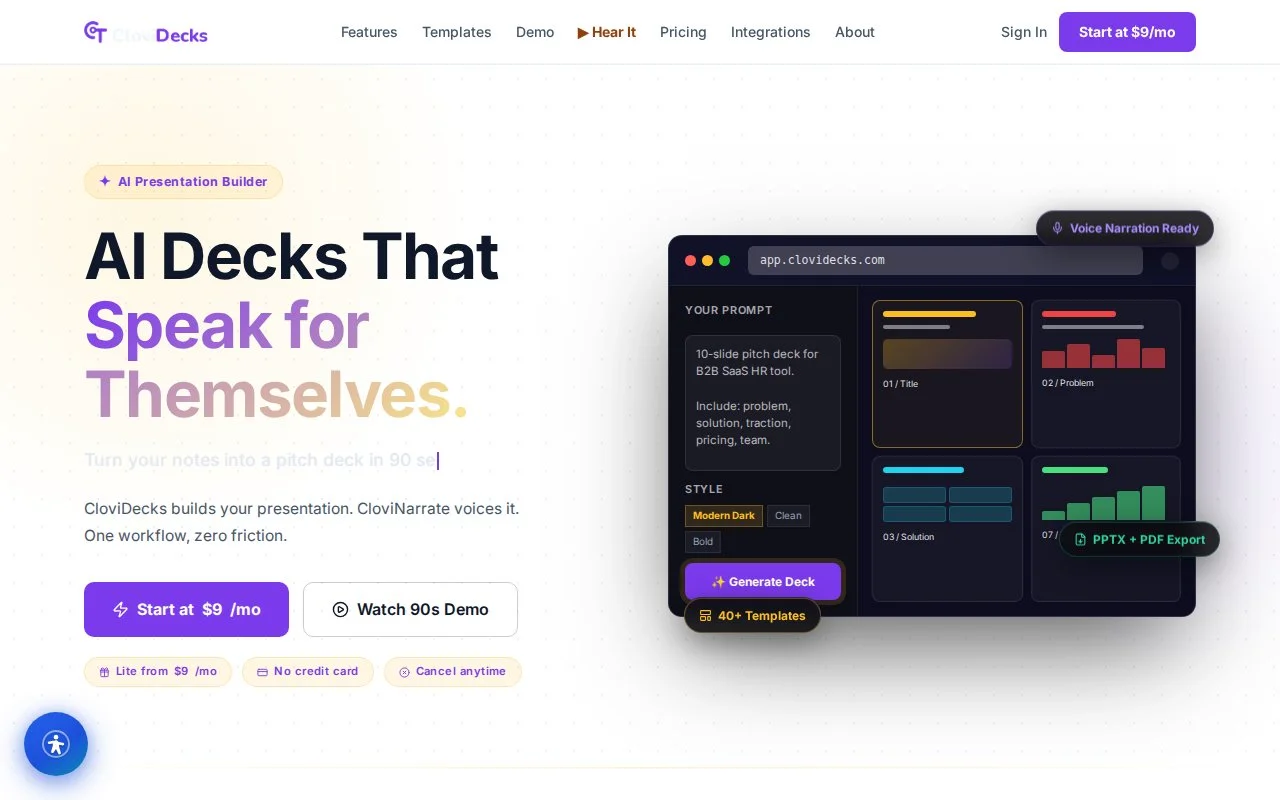
Import any slide, write per-slide narration, and export a polished narrated MP4 with a real AI voice — slides, script, and audio kept as one record, never scattered across three tools.
A live product on the CloviTek platform — import-first, per-slide narration, and one-click narrated video export.
CloviDecks is an AI presentation builder that unifies slide image management, narration text editing, and video generation into one co-located workflow. Where traditional tools fragment slides, scripts, and audio across three separate systems, CloviDecks stores the slide image, its per-slide narration, and the AI-generated audio as a single unified record — eliminating sync drift and letting you edit one slide without re-recording the whole deck. Import any slide image, write narration directly in the editor, and CloviDecks handles AI voice synthesis and MP4 video assembly.
Most AI presentation tools force you to build or re-design slides inside their own editor, then bolt narration on afterward in a separate system. CloviDecks takes the opposite path: it accepts any exported slide image as-is and co-locates the narration and audio with it — so a deck stays a single, editable record instead of three files drifting out of sync.
CloviDecks targets the English-language SMB and prosumer segment actively adopting AI-assisted presentation and narration tools — a serviceable market estimated at roughly $2.2B, spanning around 12M active users across screen recorders, course tools, and AI video tools.
No competitor stores slides, narration, and audio together structurally. CloviDecks does — so editing a single slide's script and regenerating only that slide takes seconds, while other tools force a re-record or a full re-export whenever a slide changes.
The real capability set behind CloviDecks — designed, built, and run by our composed AI team.
Import any PNG, JPG, GIF, or WEBP slide image (up to 20 MB per file on Starter+); organize into projects with drag-and-drop reorder (Pro+); store and version slides with full project history.
Write or paste narration for each slide directly in the editor, or use AI narration drafting to auto-generate 80–150 word stubs; edit inline with live character count and pacing guidance.
Hand a project to CloviNarrate for AI voice synthesis; Starter includes 10 min/month, Pro 60 min/month with rollover, Business 300 min/month pooled across 5 seats, with 6 voice options at the Business tier.
Listen to generated narration per slide before exporting; trigger individual slide regeneration without rebuilding the deck; keep narration version history with 3-version restore (Pro+).
Export completed projects as MP4 (720p Starter, 1080p Pro+) with embedded narration; download directly, share via public view-only link, or embed in external sites via auto-generated code (Pro+).
10 built-in narration style templates — Academic, Business Pitch, Training, Product Demo, News Briefing, Tutorial, Executive Summary, Sales, Explainer, and Neutral — with pacing guidance (Pro tier and above).
Business tier adds 5 seats with role-based access (Editor, Viewer) and async comment threads on slides for review workflows; invite team members by email with automatic account creation.
Generate public view-only share links (no login required); optionally track view count, per-slide play-through, and drop-off (Pro+); embed in an LMS or internal wiki.
Business tier exposes a REST API to read/write projects and slides, trigger generation, and poll job status (1,000 calls/day); webhook notifications on generation events; Enterprise unlimited quota.
From outline to a polished narrated deck in minutes — one of the platforms our AI team ships and operates end to end.
Tell CloviDecks the topic, audience, and goal. The AI generates a complete slide outline with logical flow, section breaks, and suggested visuals in seconds.
Each slide is created with headline, body copy, and layout applied. Import charts from CloviCharts, brand assets from CloviBrand, and images from CloviImage directly into slides.
Rearrange slides, edit text, swap layouts, and write per-slide narration in the visual editor. AI rewrite and design suggestions are available on every slide.
Present in full-screen mode in the browser, or export a narrated MP4 or a shareable link with optional password protection and view analytics.
How CloviDecks stacks up against slide-only generators and screen-recording workflows on the things creators actually care about.
| Feature | CloviDecks | Conventional tools |
|---|---|---|
| Full deck generated from a one-sentence brief | Included | Not available |
| Native CloviCharts live data integration | Included | Not available |
| CloviBrand kit auto-applied to all slides | Included | Not available |
| Real-time collaborative editing | Included | Not available |
| Per-slide narration + narrated MP4 export | Included | Not available |
Comparison based on publicly available plans and features as of 2026. Competitor information may change.
CloviDecks composes shared platform infrastructure and a purpose-built generation pipeline — the integrated foundation that makes it faster to ship and stickier to keep.
Because CloviDecks is built on the CloviTek platform engine, it inherits shared authentication, billing, and subscription infrastructure on day one — and plugs directly into sibling products in the fleet.
CloviDecks brings slides in from the tools you already use and opens up to your own automation through a developer API. Several connectors are on the roadmap.
generation_complete webhooks.Business+
Delivers 6–8 client presentations a month and loses 2–3 hours per deck re-recording across three tools. Wants a structured per-slide workflow that ends the re-record burden.
Starter
Her team produces 6–15 training modules per quarter across a fragmented toolchain. Needs a lightweight, collaborative tool with team seats and shared review.
Pro / Business
Records lecture videos for four courses a semester and battles inconsistent audio and re-recording. Wants clean MP4 output from existing slide notes.
LiteGenerate client-ready presentation videos without live recording gear, and send narrated decks to prospects asynchronously — replacing the screen-recording workflow.
Create multi-module training decks with structured narration for new hires; let the L&D team collaborate on scripts and review audio before deployment.
Convert slide notes into narrated videos for asynchronous learning, so students watch at their own pace without live-session constraints.
Build content in tool-agnostic slides, then add narration and export SCORM packages for LMS deployment.
Add narrated walkthroughs to pitch decks for investor emails and partner outreach — a clear voice on every slide.
Create product walkthroughs from slide-based flows without screencast software or on-camera talent.
The surfaces your team works in every day — the per-slide script editor, the AI voice picker, and the export panel — a real screen from CloviDecks is shown below, alongside interface illustrations.
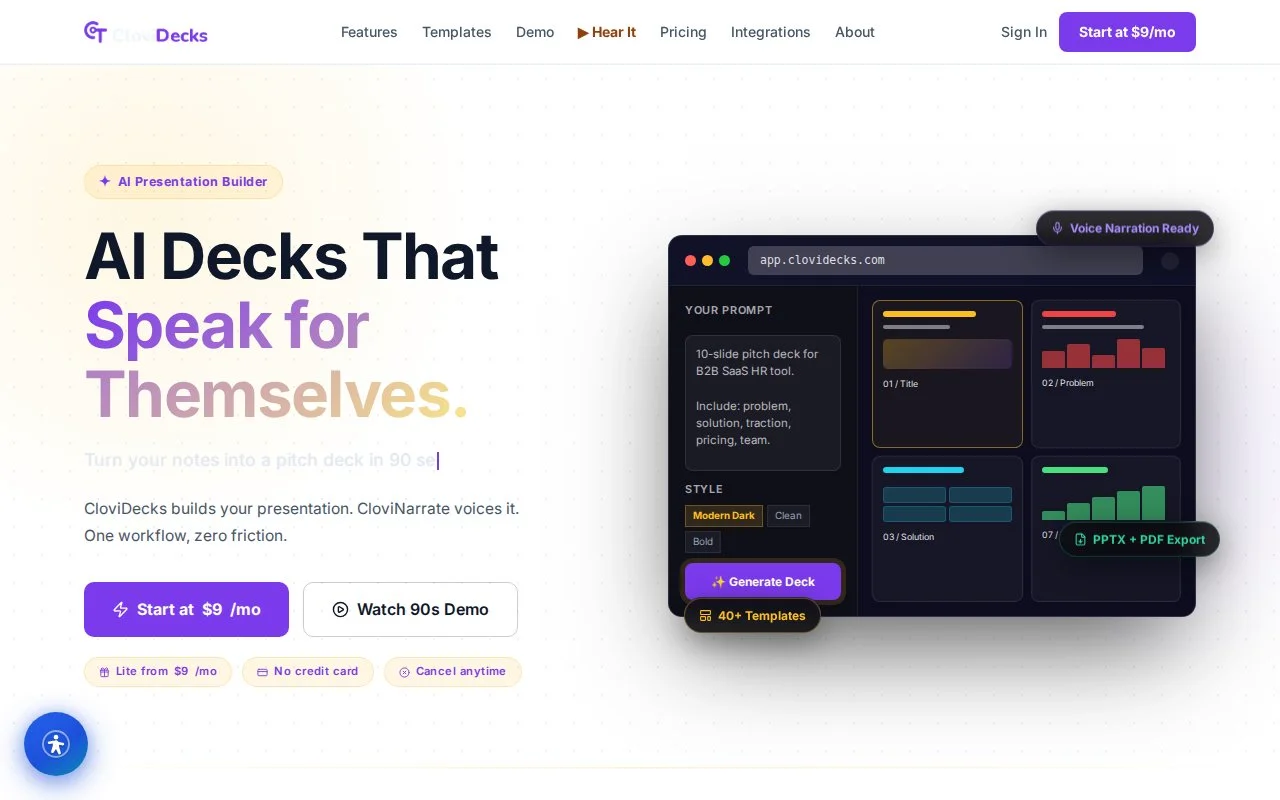
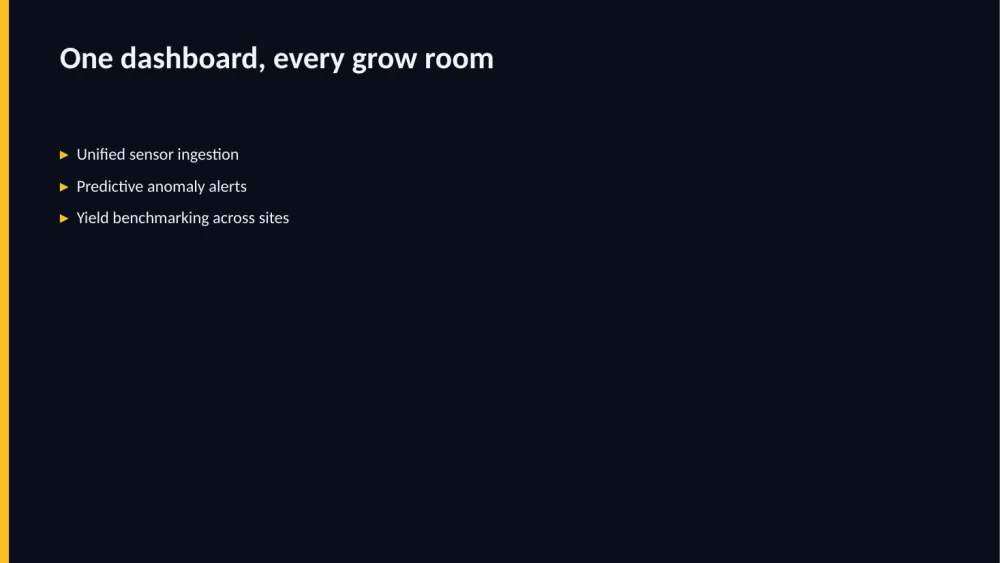
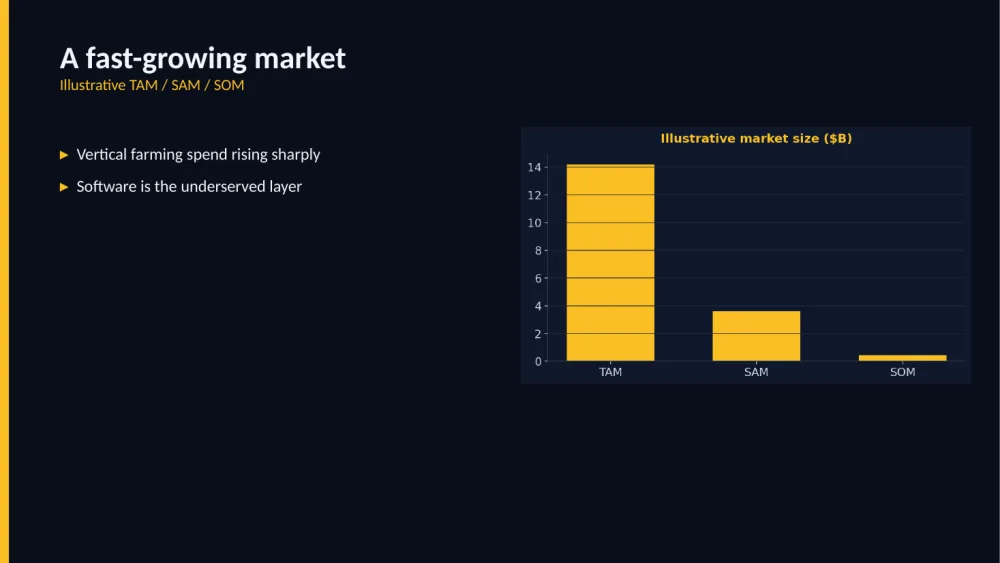
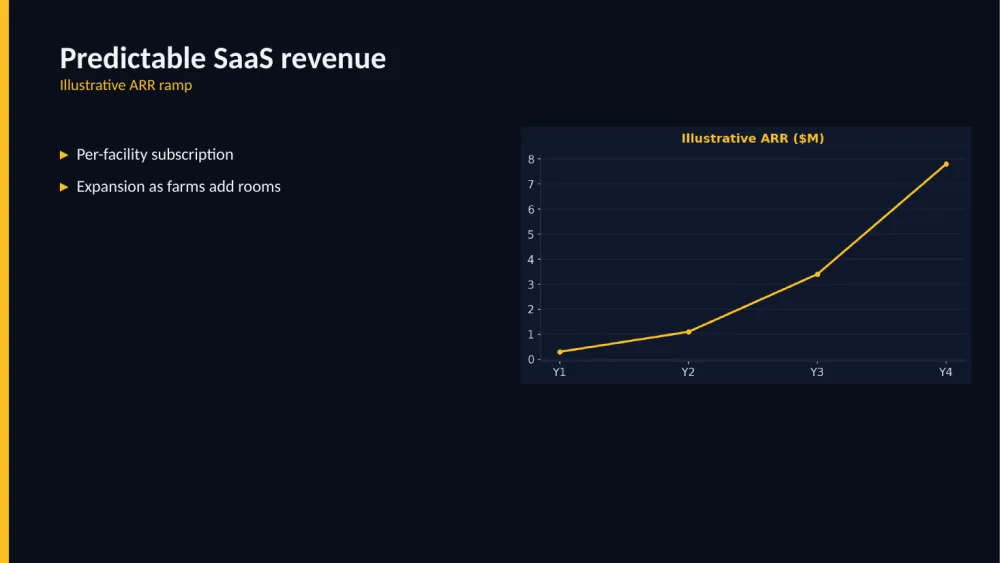
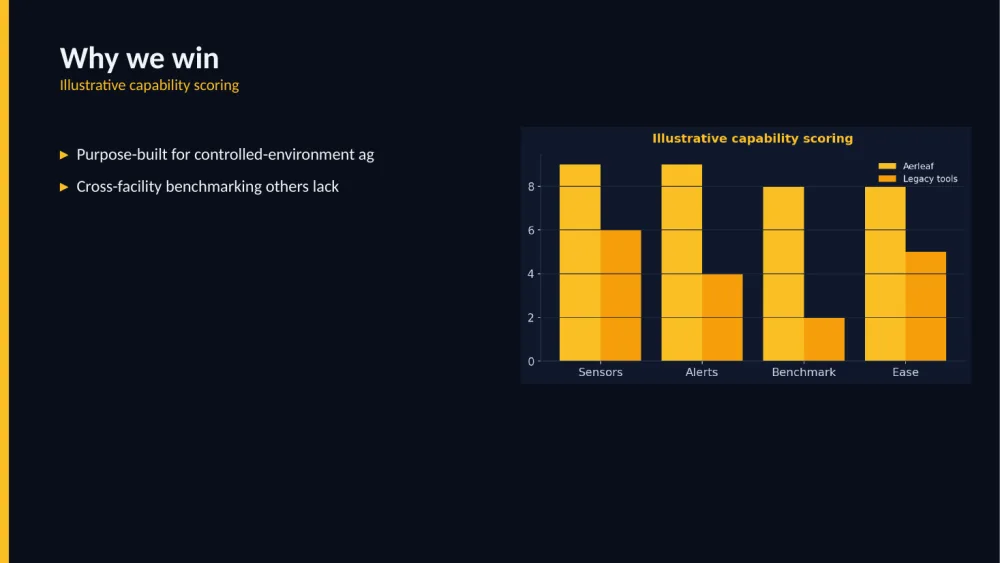
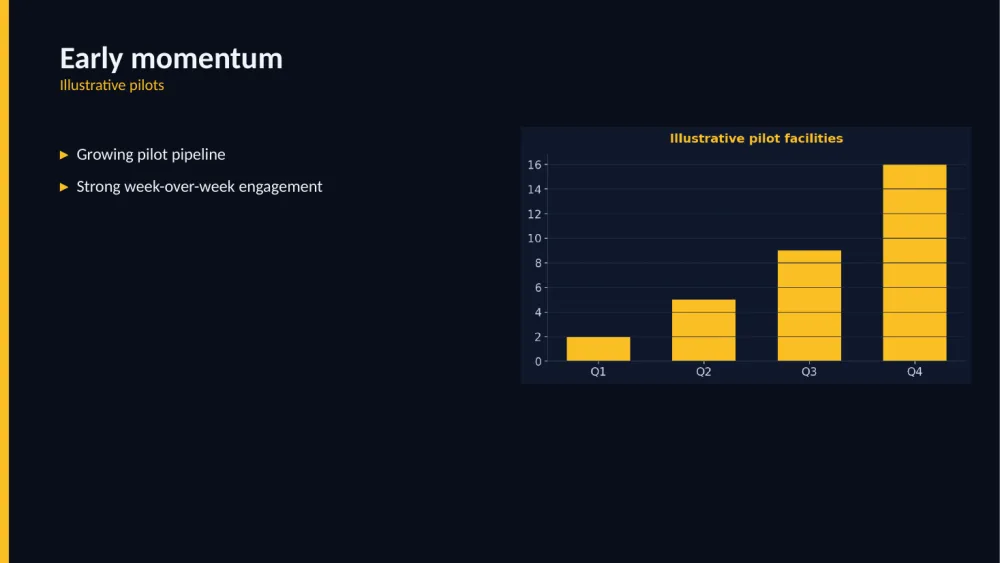
Every slide below was rendered by CloviDecks’ own deck engine from a sample pitch for “Aerleaf,” a fictional indoor-farming startup. Charts are clearly labeled illustrative — nothing here is real company or customer data.



CloviDecks ships continuously. Here's what's live today, what's landing next, and where the product is headed.
CloviDecks composes shared platform infrastructure and sibling products — the integrated ecosystem that makes each product faster to build and stickier to keep. Signing up with CloviTek gives you the whole connected system of value, not a single tool.
Studio-quality voices without the studio
View CloviNarrate →CloviImageOn-brand AI imagery for every slide
View CloviImage →CloviChartsLive data charts, embedded anywhere
View CloviCharts →CloviHumanA digital presenter for your slides
View CloviHuman →CloviLearnTurn decks into full courses
View CloviLearn →CloviDecks is proof of what our AI team ships. Tell us what you need built — we compose the same fleet to do it.
Start a project →